
To-Do Lists.
Encrypted.

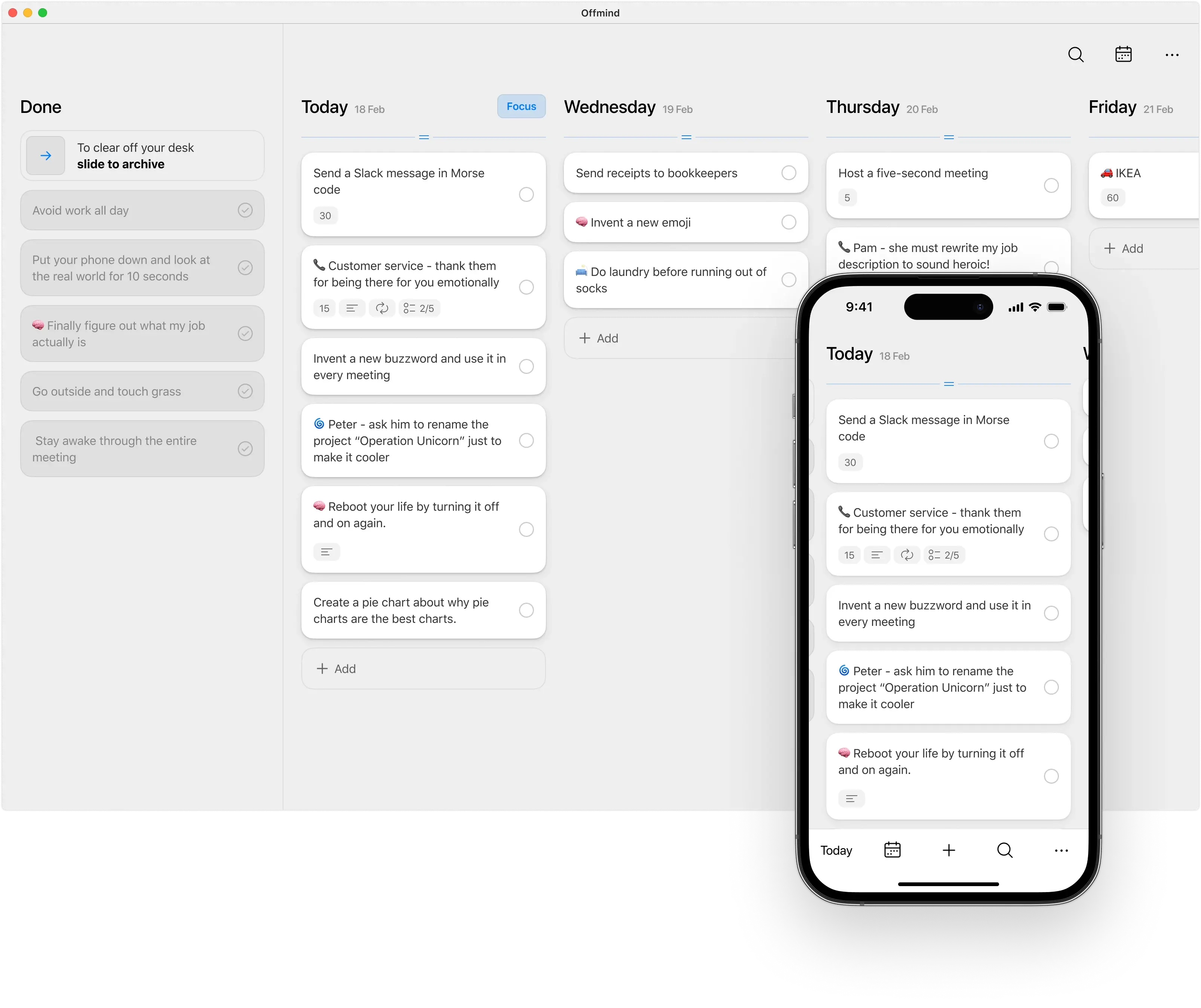
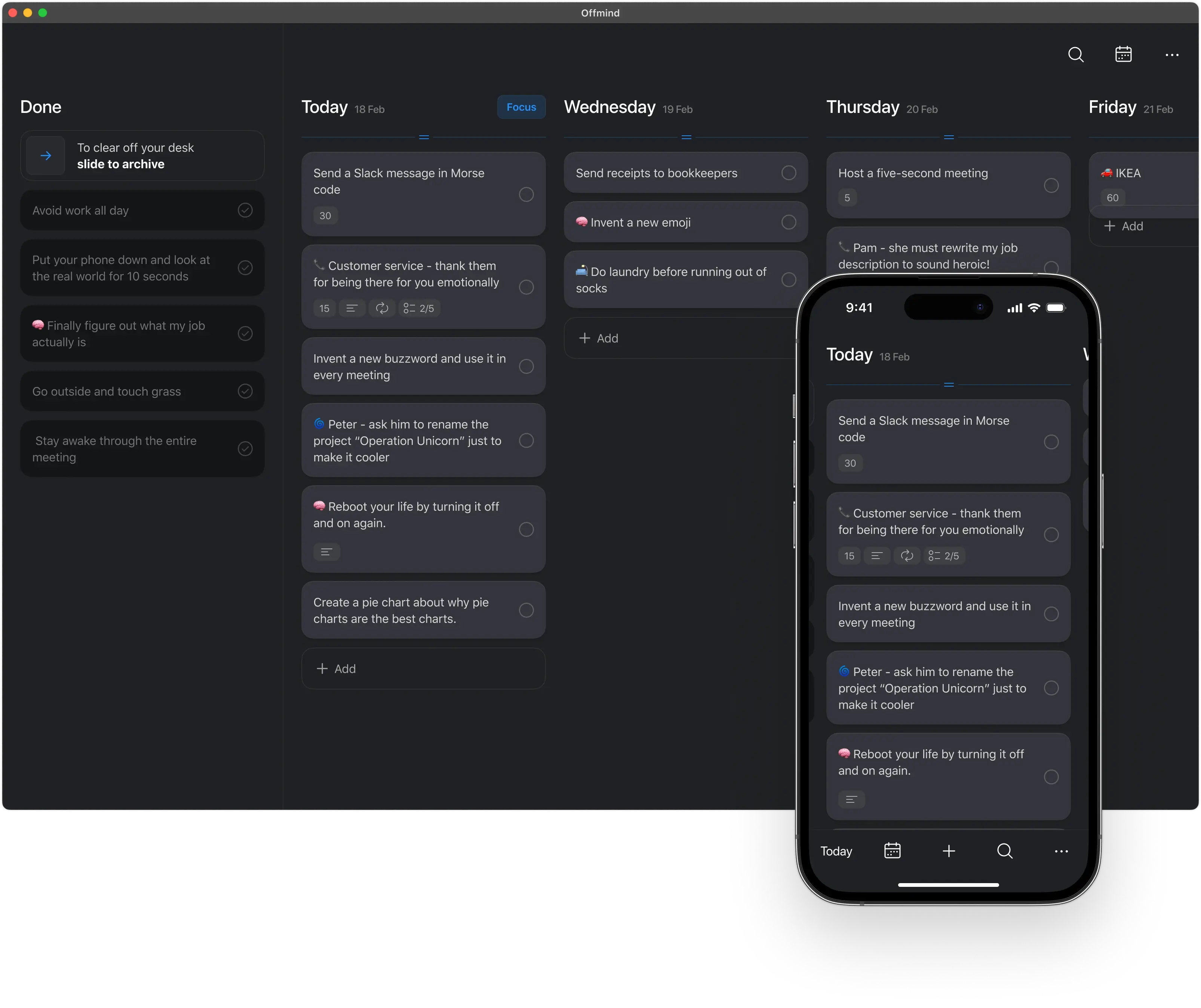
One Column
for Every date.
Encrypted for Absolute
Privacy.
We use NIST P-256 elliptic curve keys and AES-256 cryptographic algorithms along with HKDF as a key derivation function for your master key.
Try 4 months for free.
No card required.
Afterwards:
$3 / mo, if paid yearly $5 / mo, if paid monthly ♥︎ Pay only if you love it — we give you plenty of time to decide. We originally built it
for ourselves.
Vladoun is a kickass iOS engineer who made it all happen. He has a track record of building apps with 2M+ installs and was part of the successful fintech apps Wallet and Settle Up.
Frequently asked questions
What is Offmind?
Offmind is an encrypted task manager designed for iPhone, iPad, and Mac. Your data is completely private—not even our core developers can read it—and it is fully encrypted before ever leaving your device.
The app relies on a straightforward system we’ve refined over the years: a single column dedicated to each date, starting from today onward. There is no clutter from the past. Any incomplete tasks from today automatically roll over to tomorrow at midnight.
How do I install Offmind on Mac?
Macs with M1 chips or newer fully support iPad apps. Simply install the iPad version of Offmind—it runs seamlessly, and we’ve been relying on it ourselves for years.
What happens if I forget my passcode?
If you lose your code, your data cannot be recovered. We do not store encryption keys, nor do we build backdoors into the system.
Can Apple access my data?
No. Apple only ever sees the encrypted data stream.
Does Offmind support file attachments?
Not right now, but it’s a feature planned on our roadmap.
Is there a limit on how many tasks I can create?
The free plan allows you to store up to 1,000 tasks in total. Upgrading to the paid version unlocks unlimited tasks.
Do you collect analytics or diagnostic data?
By default, the app shares anonymous usage statistics and crash reports. This data contains no accounts, names, or email addresses—though crash reports may list technical file names.